




 Follow
Levi’s Red Tab Denim Fest is currently live and those who enroll in the Levi’s Red Tab Program can get 501 bonus reward points on sign up. In this ongoing Levi’s offer, shoppers can redeem the points at 1 point = ₹1 redemption value. Moreover, the points are fully redeemable. The bonus 501 Red Tab points must be redeemed before 24th May, 11:59 PM. Here’s what this Levi’s Red Tab Program is, how to redeem the Levi’s reward points and the ending date of this Levi’s offer.
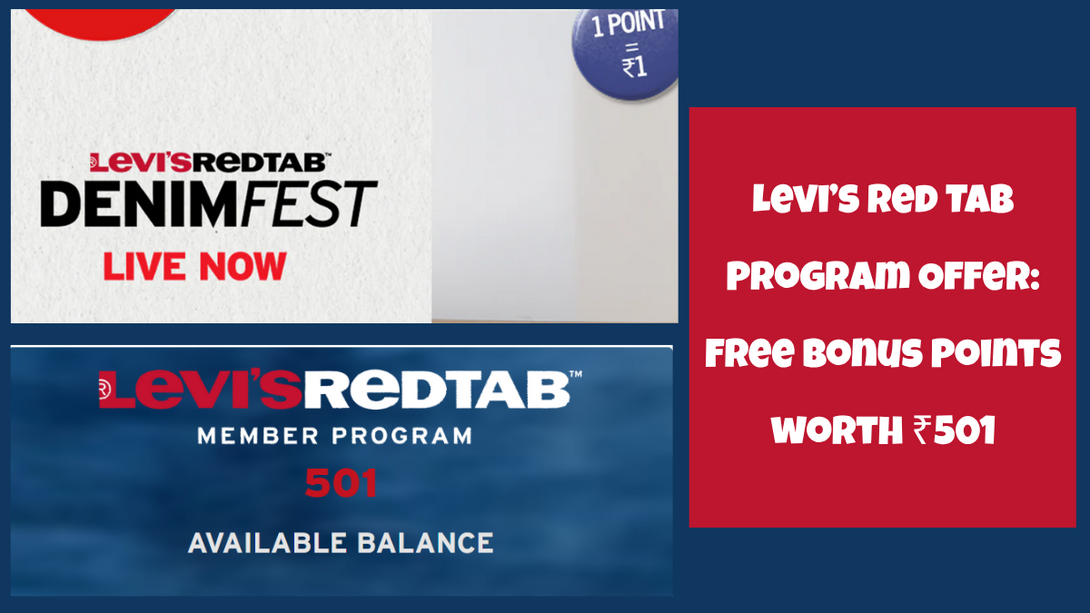
In a recent Levi’s offer in May 2026, the brand is offering 501 bonus reward points on sign up for all those who enroll in their Red Tab Program. Shoppers can redeem these points at 1 reward point = ₹1. You can redeem some or all of the reward points against your bill. This means you can technically get free Levi’s shopping worth Rs.501. Do note that this is a limited-time Levi’s offer only live till the Levi’s Red Tab Denim Fest.
Sign up on DesiDime (free) for more such deals😍 We are India’s largest shopping community.
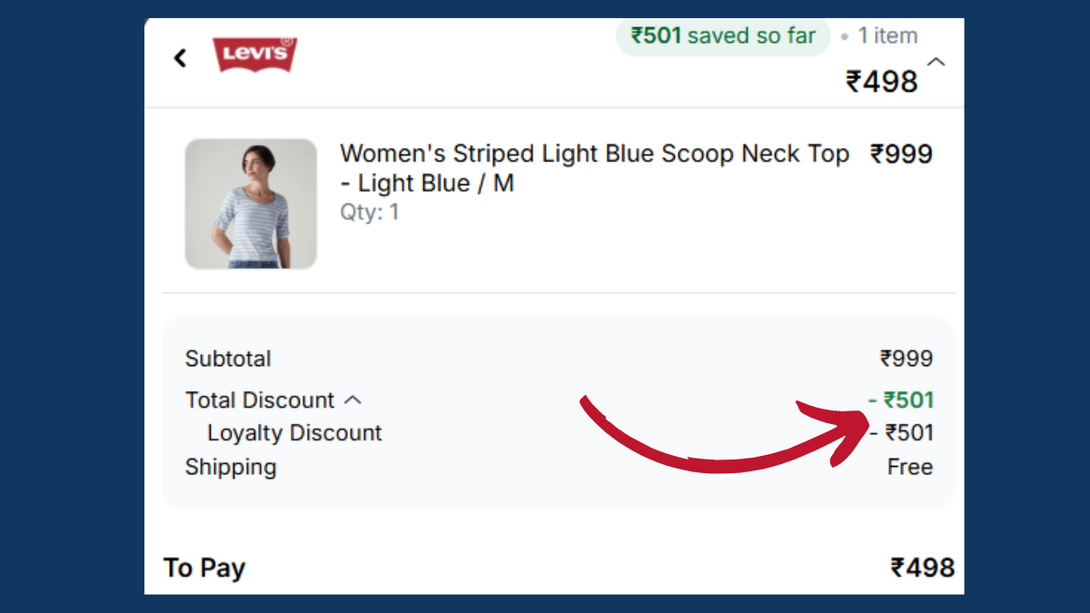
To get the free Levi’s offer worth Rs.501, follow the steps shared below:
Create your new account on Levi’s
Sign up for the Levi’s Red Tab Program
You will instantly be rewarded with 501 bonus reward points
Use these bonus reward points before 24th May
You can redeem these rewards fully on a single order
Browse Levi’s collection and add your favourite picks to cart
Proceed to checkout
Tick the option to redeem the points
Reward points value will be deducted from the total bill amount
You can apply additional Levi’s India coupon codes for savings
Pay the rest of the amount and place your order.
Following are the steps to join the Levi’s Red Tab Program
Visit the Levis India official website here - https://levi.in/
Create a new account by entering your mobile number
Visit the Levi’s Red Tab Program enroll page here - https://levisredtabmemberin.erlpaas.com/
Enter details like first name, last name, email ID, contact number, DOB and Gender
Click on “Register Now”
Once done, you’d get a confirmation saying “Thank you for registering”
Next, check this page - https://levi.in/pages/red-tab-profile-page to see if you are enrolled in the program
PS: Your 501 bonus reward points will be instantly added to your account

Following are the benefits of the Levi’s Red Tab Program:
Member Benefits |
Red Tab Member |
Red Tab+ Member |
Standard Earn Rate |
1 point per ₹100 spent |
3 points per ₹100 spent |
|
Birthday Offer *This is only applicable for orders placed in-store. |
15% off up to ₹1000 |
20% off up to ₹2000 |
Purchase Feedback |
50 points |
50 points |
Exclusive First Access |
No |
Yes |
Priority Complaint Assistance |
No |
Response within 24 hours *This is only applicable for orders placed in-store. |
Alteration Home Delivery |
No |
Yes |
Access to Events and Experiences |
No |
Yes |
Do note that for Levi’s Red Tab+ Members, you can avail a service of Priority Alteration – within 30 mins (depending on the store tailor’s availability) or will be shipped to home for free within 5-7 working days. Alteration is possible in any Levi’s exclusive store in India. Alteration cannot be requested on www.levi.in
So this was all about sharing this Levi's free shopping offer worth Rs.501. Obviously, the MRP are jacked up so you won’t get a steal deal but if you combine card discount + coupon code + shop for better deals (not just t-shirts or shirts) you might just score a good deal.
To become a Red Tab+ member on Levi’s, you need to spend at least ₹15,000 in a year while for the base tier, sign-up is completely free.
You can also read the complete terms and conditions of the Levi’s Red Tab program
Happy shopping! 
Also read:
Samsung Refurbished Smartphone Program in India! Full Details
Googlebook Laptop Price, Specs, Where to Buy & Launch Date (Expected)




















![Top 20+ Diwali Sale Offers India 2026 [ Amazon, Flipkart, Acer & more ]](https://cdn2.desidime.com/attachments/photos/3552635/large/DiwaliSaleOffersIndia2026AmazonFlipkartAcermore.png?1791989870)