











WhatsApp Mobile Recharge: How to Recharge Jio, Airtel, & Vi on Whatsapp


 Follow
There’s a new Whatsapp feature that now allows users to do Vi, Airtel, Jio mobile recharge on Whatsapp itself. Currently Whatsapp mobile recharge in India only supports prepaid plans and most of the major telcos are available including Jio, Airtel and Vi. BSNL is currently not supported for mobile recharges on Whatsapp. Read on to know how to do mobile recharge on Whatsapp (step-by-step guide) and what this new Whatsapp feature is all about.
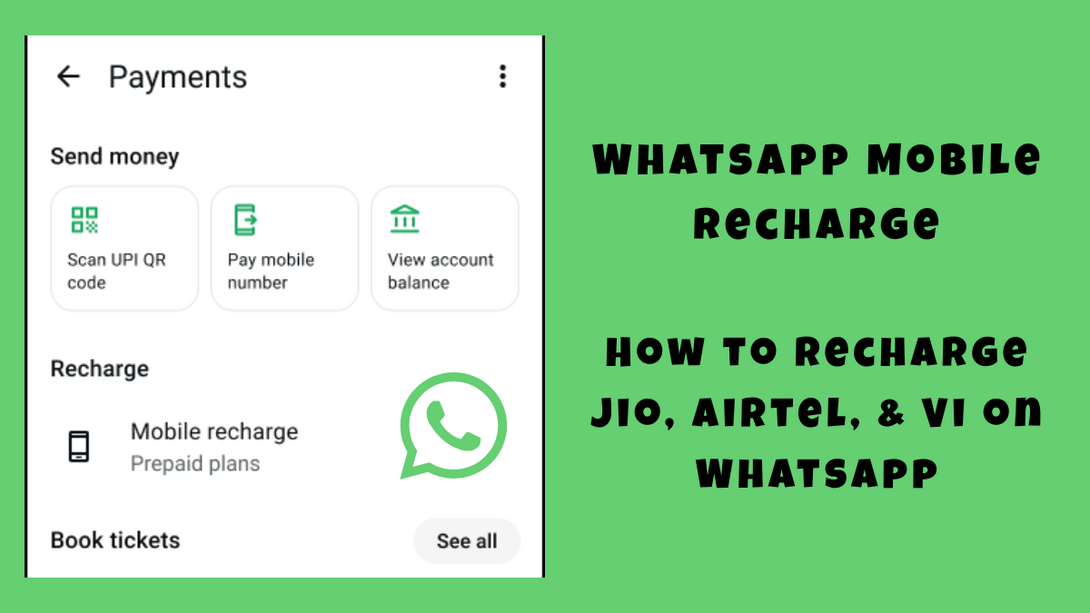
Whatsapp has partnered with PayU Payments to launch a mobile prepaid recharge feature on Whatsapp in-app. Speaking of the same, Hemang Dattani, chief business officer, PayU Payments said the following:
“Bringing recharges to WhatsApp allows users to complete a task they perform regularly within an app they already have open. That’s what embedded payments should feel like. Our partnership with Meta reflects our commitment to making high-frequency transactions simpler, more accessible, and effortless.”
Want to save on your mobile recharges?
Consider checking out our Mobile Recharge & Bill Payment Offers group to know the latest cashback deals on recharges, credit card bill payments & more.
Sign up on DesiDime (free) to ask questions/share tips with our fellow users:
Spending 14K a Year on Mobile Recharges. Can This Be Optimized?
Best way to get maximum CB on Value Plan mobile recharges [Plan prices increase]
You can now recharge your mobile number directly on WhatsApp following these steps:
Tap the 3 dots icon
Select Payments.
Select Mobile recharge.
Tap the mobile number you want to recharge and select the operator/circle. Supported operators are Airtel, Jio, and Vodafone. You can recharge any number included in your phone carrier plan.
Choose a recharge plan and tap Select this plan.
Review the bill > Continue to payment.
Select UPI as payment method.
To confirm the payment, tap Select payment.
Authenticate the transaction by entering your UPI PIN.
Done.
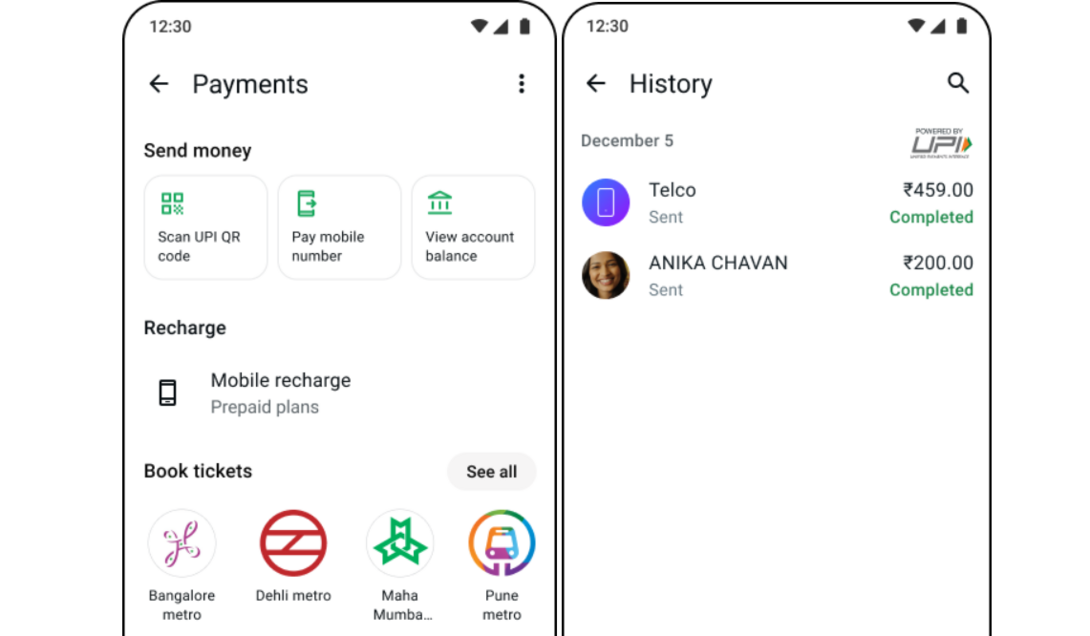
After a successful recharge, you will see a confirmation screen with the plan details in WhatsApp. You can also view the transaction in your history at the bottom of the payments homepage.
On a side note, Flipkart SASA LELE Sale 2026 and the Amazon Great Summer Sale is officially announced to start soon! Do consider checking out these:
Flipkart SASA LELE Sale 2026
Important details to note:
Update your saved numbers or carriers through the Manage option in the recharge settings
Double check the number before paying because successful recharges can't be cancelled
Wait about 3 to 5 business days for failed payments to automatically hit your bank account
Email PayU support at [email protected]. with your Transaction ID if a refund takes longer than 5 days
Keep an eye on your bank's daily UPI limit which is usually capped at 1 Lakh
Verify your region and operator circle if you can't find a specific plan or provider
Check your UPI link and bank balance if you keep seeing a transaction failed error
Also read: Motorola Edge 70 Pro Sale Price: Edge 70 Pro vs 60 Pro





![Flipkart Big Billion Days Sale iPhone 16 Expected Price [ 2026 ]](https://cdn0.desidime.com/attachments/photos/3523198/large/FlipkartBigBillionDaysSaleiPhone16Price2026.png?1789120769)